

Find empty fields before you send
Amber markers show you which parts of your email still need copy, an image or a link, so nothing goes out unfinished.Before you start
- Open an email in Design.
Steps
- Open Layers. Anything that still needs content shows an amber !.
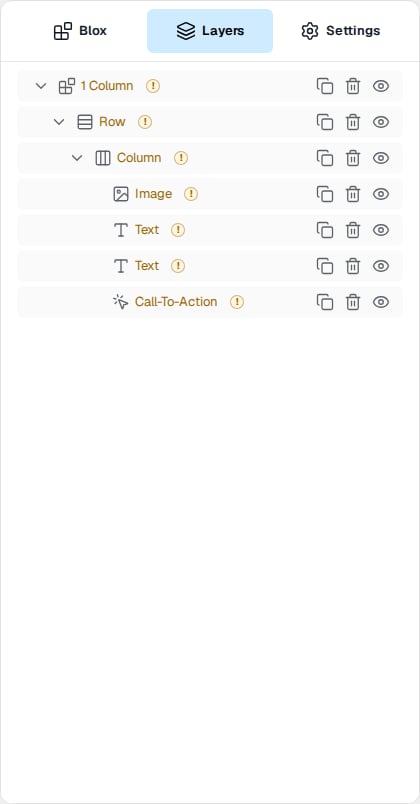
- Click a marked item to open its Settings.
- Fill in each field with an amber !, such as Content, Copy, Link, Alt or Source. Placeholder text doesn’t count as filled in.
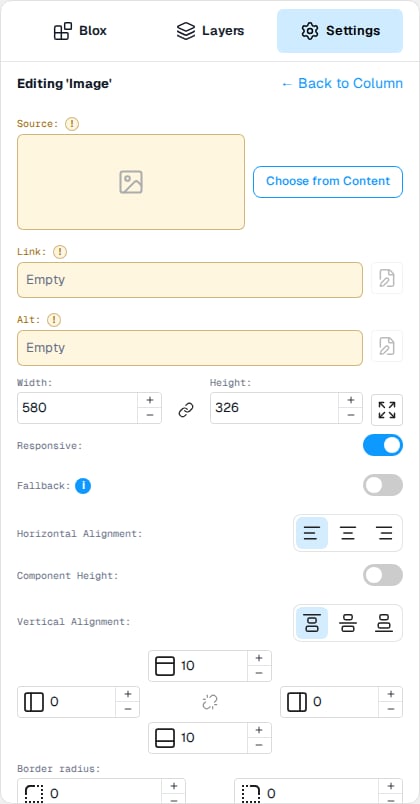
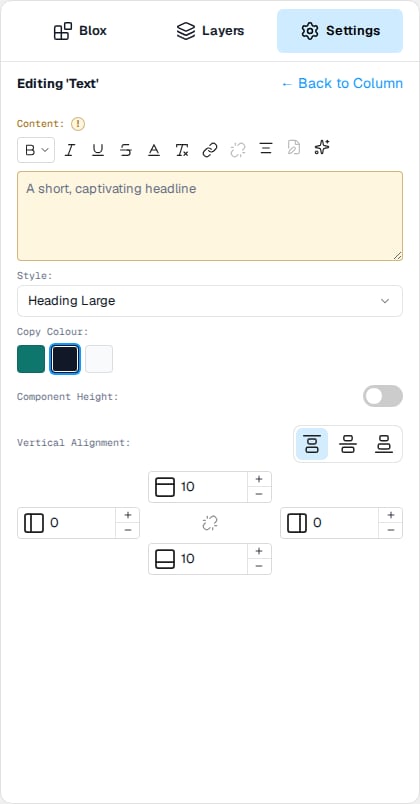
- Once every field is filled in, the ! disappears from Layers.
Good to know
- Markers don’t stop you saving. They’re a reminder before you preview, test or export.
- If your email has other languages, check them in Content mode, which uses the same markers. See Fix empty or placeholder copy in Content mode.