

Find your way around the email builder
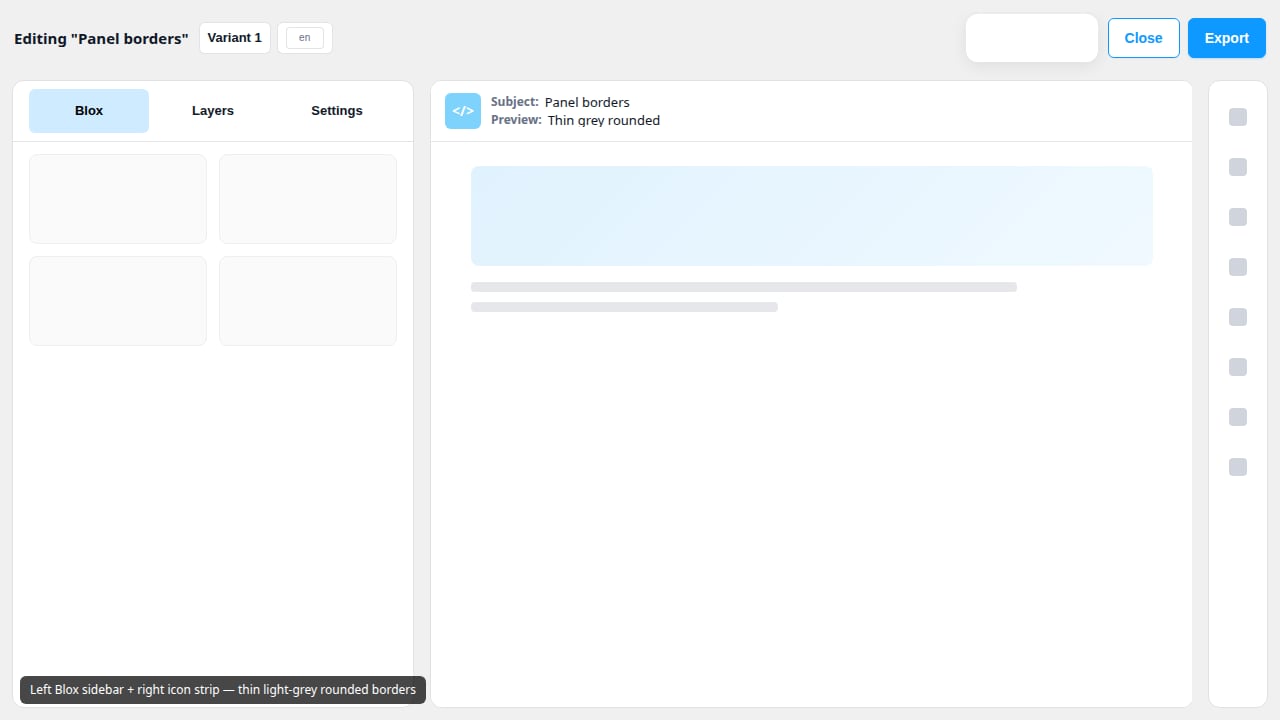
The email builder has three panels. Knowing what each one does helps you build faster.Before you start
- Open an email in the builder. See Create an email.
The three panels
Good to know
- The left panel stays the same size as you switch between Blox, Layers and Settings.
- Switching from Settings to Blox or Layers clears your selection, so Settings opens on Email settings next time. See Get back to Email settings.