

Open Settings from Layers
Layers lists everything in your email. Click any item to open its Settings and edit it.Before you start
- Open an email in the builder. See Create an email.
- Add at least one Blox to the canvas.
Steps
- Open Layers in the left sidebar.
- Click an item, for example a Header, Column, Text or Image. Click its name, not the Clone or Delete icon.
- Edit the item in Settings.
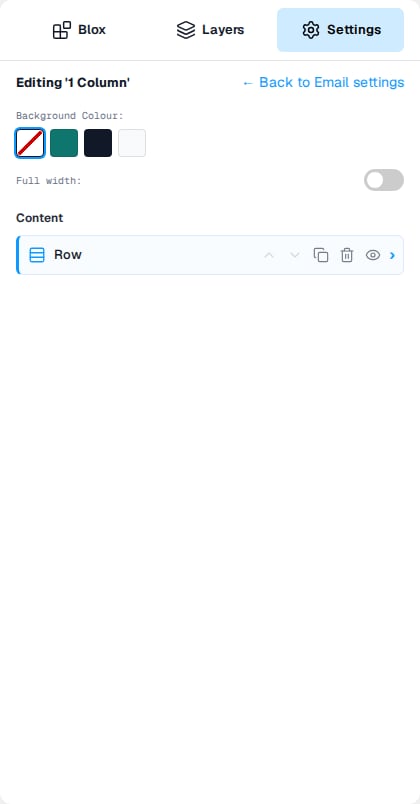
- To go back to the list, click Layers. To get back to the settings for the whole email, click ← Back in Settings. See Go back to Email settings.
Good to know
- Clone and Delete keep you in Layers, so you can carry on rearranging.
- Click the arrow next to an item to expand or collapse it without opening Settings.