

Create an AMP version of an email
An AMP version lets readers use interactive content right inside their inbox, in inboxes that support it. Everyone else gets your HTML email, so nobody misses out.Before you start
- Open the email in the builder on the variant and language you want.
- You don’t need interactive Blox to create an AMP version. If your email has them (such as Accordion, Carousel, Reveal, Tabs or Hotspot), the AMP version gets AMP-ready versions automatically. Your HTML email keeps its own version for every other inbox.
Steps
- Build your HTML email in Design mode as usual.
-
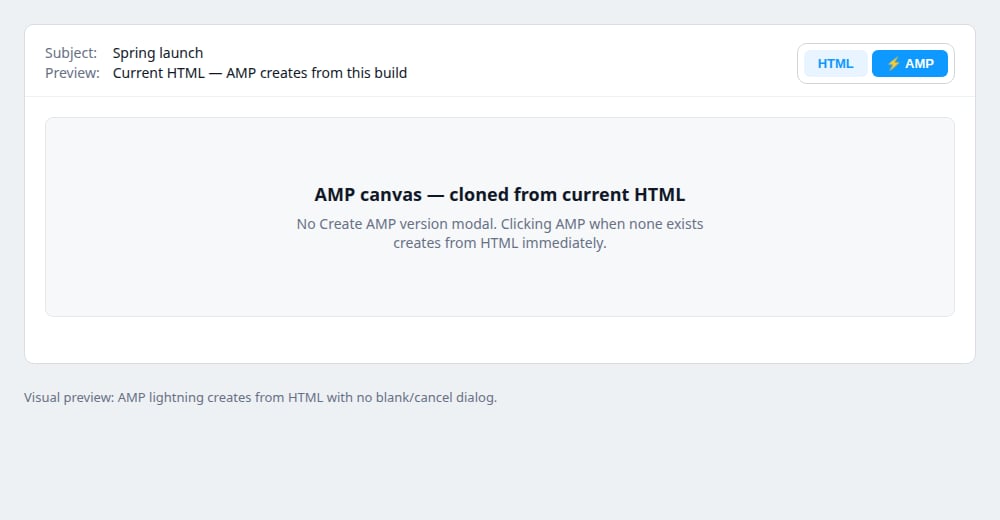
Above the canvas, to the right of Subject and Preview, click AMP (the lightning icon).
Brandblox shows a short Creating AMP version progress dialog while it copies your HTML email, then opens the AMP canvas. Larger emails take longer — leave the dialog open until it finishes. Your images and interactive Blox are ready to use straight away.
-
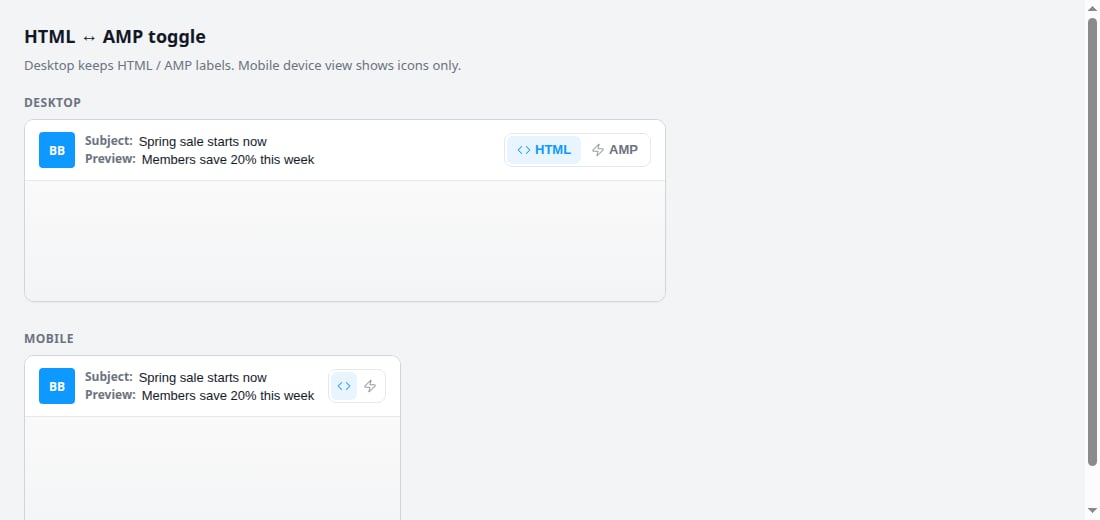
Use HTML and AMP to switch between the two versions. On the mobile canvas they show as icons.
- Click Preview in the toolbar to check both versions. The HTML / AMP switcher is there too.
- When you’re ready, click Export, then Download or Export. Include AMP is on by default. Turn it off if you only want the HTML. See Download email HTML.
What happens next
- Once created, the two versions are separate. Changes to one don’t copy to the other, and switching back to AMP keeps your AMP design.
- Test sends use the HTML version. To get the AMP file, download the email or export it to a platform that accepts AMP.
- To edit an image in the AMP version, click it. See Edit an image in the AMP version.
- To remove the AMP version, right-click AMP and confirm, or delete everything on the AMP canvas. Closing the email never removes it. See Remove an AMP version of an email.
Good to know
- AMP only shows in inboxes that support it, and only from senders registered with them (for example with Gmail). Register through your email platform. Brandblox can’t register you.
- Readers may not see the AMP version after a forward or reply, or long after you send.