

Edit an image in the AMP version
Edit images in the AMP version of your email with the same settings you use in HTML.Before you start
- Open an email that has an AMP version.
- Switch the canvas to AMP with the HTML / AMP switcher next to Subject and Preview.
Steps
-
Click the image you want to edit. Settings opens on Image.
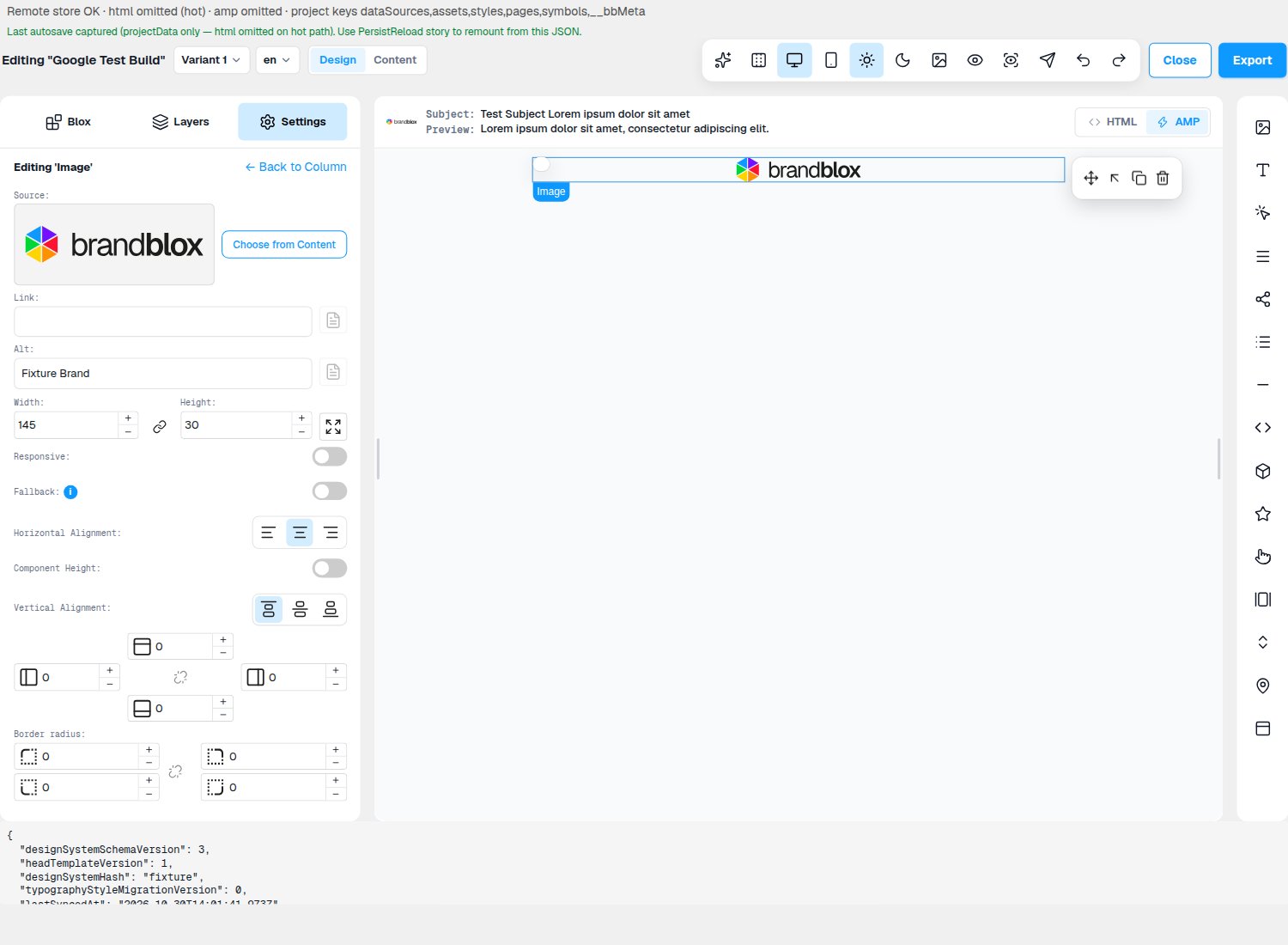
- Change what you need. Use Choose from Content, or paste a web address into Source. You can also change Width and Height, Link, Alt, alignment and padding.
- Check the image on the canvas matches your changes.
Good to know
- If Settings doesn’t show Image, select the image in Layers, or click ← Back until it does.
- Changes in the AMP version don’t change your HTML version.
- An empty image placeholder stays until you choose an image from Content.