

Remove the AMP version of an email
If you no longer need an email’s AMP version, you can remove it. Your HTML version stays as it is, and you can create AMP again at any time.Before you start
- Open the email in Design mode, on the variant and language that has an AMP version.
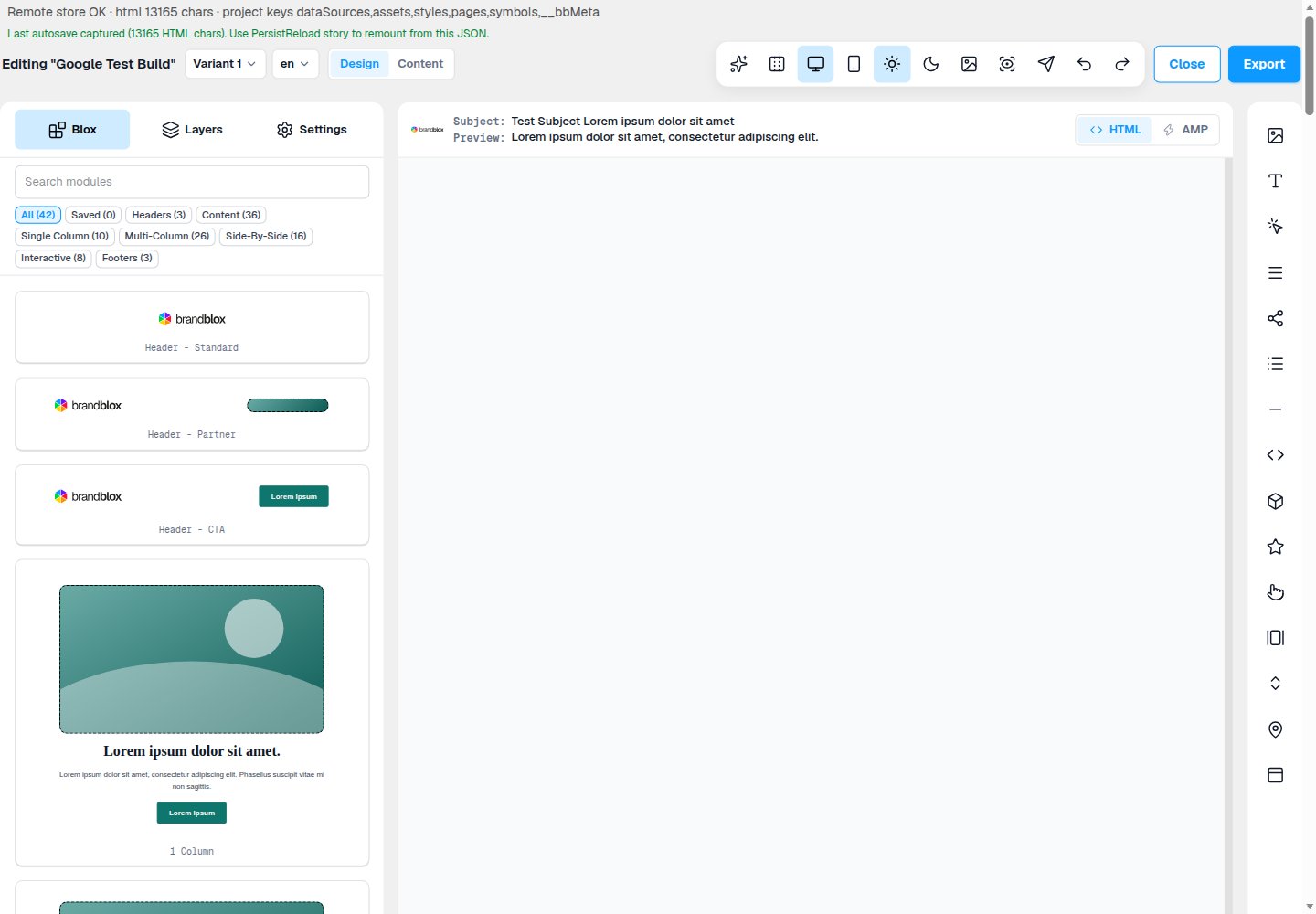
- The HTML / AMP controls sit to the right of Subject and Preview, above the canvas.
Remove it with the AMP control
- Right-click the AMP control (the lightning icon).
- Confirm Remove AMP version?.
Remove it by clearing the AMP canvas
- Click AMP to open the AMP canvas.
- Delete everything on it.
Good to know
- The AMP version is removed for this variant and language only.
- Deleting some Blox, or only the interactive ones, keeps the AMP version.
- Closing the email never removes AMP.
- Once AMP is removed, Preview and Download only offer HTML.
- To create AMP again, click AMP. It starts from your current HTML. See Create an AMP version of an email.